
Dell optiplex 780 desktop remove battery no damage
Ref. Link https://dahuawiki.com/DMSS //PC https://dahuawiki.com/SmartPSS
Dmss New App for both Galaxy phone, and Iphone
DMSS Android / DMSS iOS
https://dahuawiki.com/Discontinuation_of_iDMSS_and_gDMSS
Discontinuation of iDMSS and gDMSS. Need to change the phone app. To DMSS
Download DMSS from app store and add your device.
https://dahuawiki.com
DMSS About DMSS
Watch from your computer.
Download SmartPSS_Lite, and Install.
https://dahuawiki.com/SmartPSS_Lite
CCTV 전화프로그램 안내.
idmss 와 gdmss 전화 앱 프로그램이 중단되었습니다.
새로운 통합프로그램 dmss app을 전화기에 설치해야 합니다.
Computer 에서 보는 방법. SmartPSS_Lite 을 Download 후 설치하세요.
https://dahuawiki.com/SmartPSS_Lite
Microsoft has already made it clear that the Windows 11 update won’t be forced upon Windows 10 users at launch. If you want to check for Windows 11 update, you need to manually go to “Settings > Update & Security > Windows Update”.
But some users have enabled Windows automatic updates, they want to block the auto-update feature to free up the Windows 11 disk space. Therefore, we provide you with effective solutions to stop Windows 11 automatic updates.
Notice: Usually, disabling Windows 11 updates will not cause data loss. But if you lose data due to improper operation, stop using your disk immediately and use EaseUS Data Recovery Wizard to restore lost data.
https://www.easeus.com/knowledge-center/stop-windows-11-update.html
RESTAURANT POS SW BY SNOW POS


Super Market POS. Beauty Supply POS, General Merchandise, with Scale
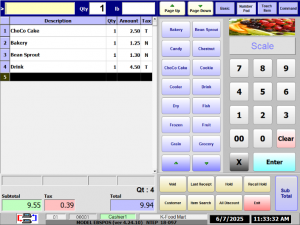
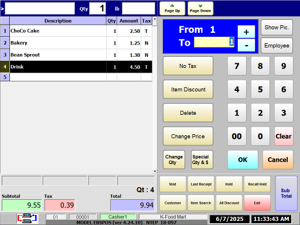
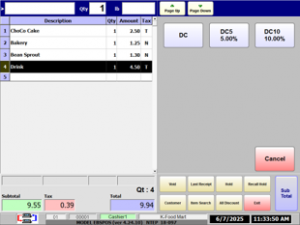
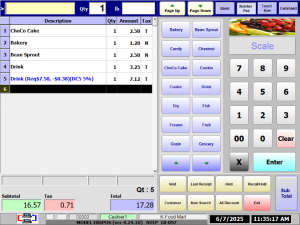
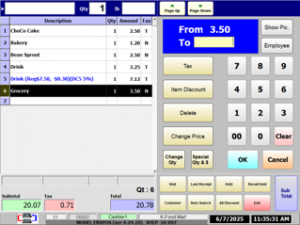
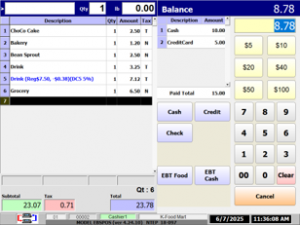
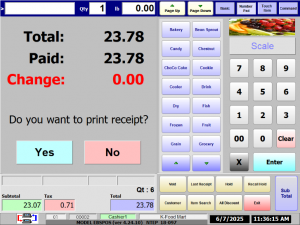
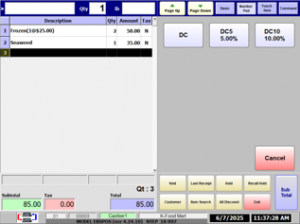
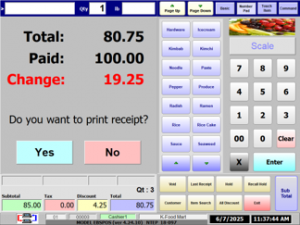
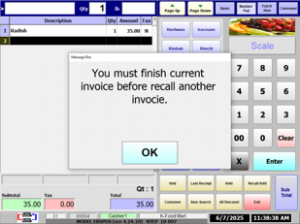
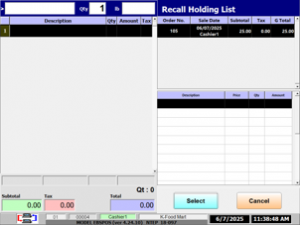
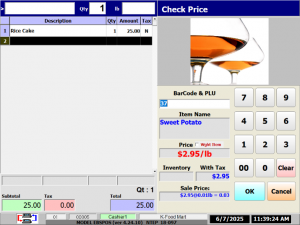


Tomorrow POS for Dry Cleaners


SMS Service $ 30 for 2000/Month
Call David Yun
1-847-489-9002
https://www.partitionwizard.com/disk-recovery/bitlocker-recovery-key.html
First of all, you need to figure out what is BitLocker recovery key. When you cannot unlock the BitLocker-protected drive as normal, BitLocker recovery can help you restore the access. At this time, you need to use the BitLocker recovery key.
BitLocker recovery key is automatically generated from the process of encrypting the specific drive using the BitLocker encryption technology. It is a special set of 48-digit numerical password that can be used to unlock the BitLocker-protected drive with authorized privilege. As for BitLocker recovery key ID, it is a key identifier displayed on your PC.
This key may be stored in different places including your Microsoft account, USB flash drive, a TXT file or paper document. Here comes a question. Where to find BitLocker recovery key? Please keep reading the following context.
You can always upgrade from Home to Pro on Windows 11 without reinstallation, and here’s how.
End of support for Windows 10, Windows 8.1, and Windows 7 | Microsoft Windows
Support for Windows 10 will end in October 14, 2025
After October 14, 2025, Microsoft will no longer provide security updates or technical support for Windows 10. Your PC will still work, but we recommend moving to Window 11.